
DryVocal

What is DryVocal?
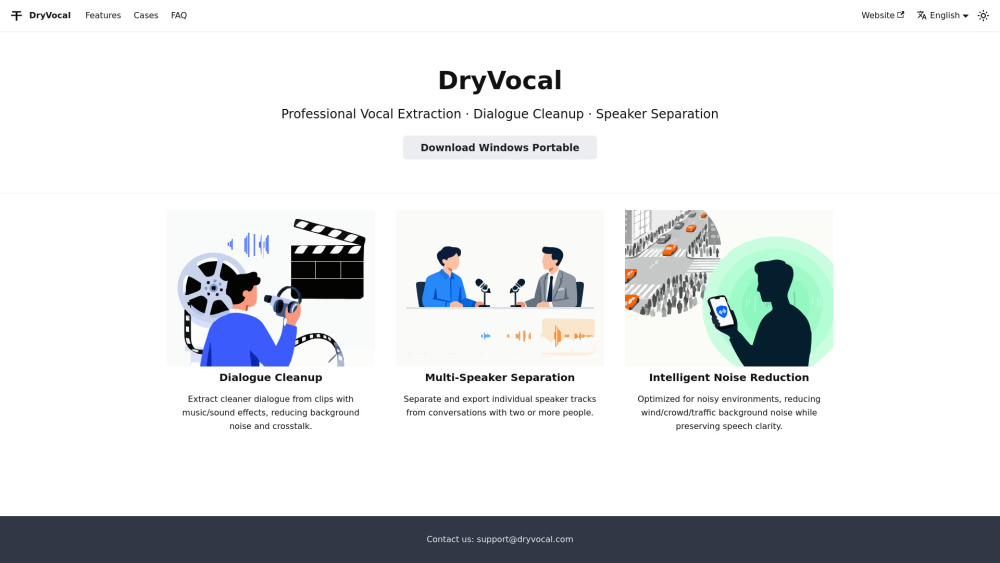
DryVocal is a free AI-driven vocal isolation software designed to help creators, editors, and musicians extract pristine vocals from complex audio sources. Whether you’re working with movie clips, podcasts, interviews, or noisy field recordings, DryVocal makes it simple to get the clean speech you need. Key use cases: Film & Video Editing: Isolate clear dialogue from clips that contain background music. Multi-Speaker Separation: Extract an individual speaker’s voice from meetings, interviews, or podcasts. Noise Reduction: Remove unwanted background noise while preserving natural-sounding speech. DryVocal is a green, portable, and installation-free software with a minimal black-and-white interface. It supports multiple languages and offers demo samples and tutorials to help you get started quickly.
How to use DryVocal?
Download & Open: Download DryVocal (no installation needed) and launch it directly. Upload Your Audio: Select a video or audio file containing speech or vocals. Choose Mode: Pick between “Clean Vocals,” “Speaker Separation,” or “Noise Reduction.” Process & Preview: Let the AI process your file and preview the clean output. Export: Save the extracted vocal track to your device.
DryVocal's Core Features
AI-Powered Vocal Extraction: Separate clean vocals from background music and noise.
Noise Reduction: Remove unwanted environmental noise while preserving natural-sounding speech.
Multi-Speaker Separation: Extract one speaker’s voice from group conversations or podcasts.
Portable & Installation-Free: Lightweight, green software — no installation required.
Multi-Language Interface: Accessible for global users.
Demo Audio & Tutorials: Built-in samples and blog posts to get started quickly.
DryVocal's Use Cases
Film & Video Editing: Isolate clear dialogue from clips with background music.
Podcast Production: Separate individual voices for editing or transcription.
Interview & Meeting Audio: Extract one speaker’s track for analysis or sharing.
Content Creation & Remixes: Create clean vocal stems for creative projects.
Noise-Heavy Recordings: Clean up audio captured in busy or outdoor environments.
FAQ from DryVocal
Does DryVocal support video files?
Can I export only one speaker’s audio track?
Is my data uploaded to the cloud?
Does DryVocal support batch processing?
DryVocal Support Email & Customer service contact & Refund contact etc.
Here is the DryVocal support email for customer service: [email protected] . More Contact, visit the contact us page(https://dryvocal.com/faq)
DryVocal Company
DryVocal Company name: DryVocal .
DryVocal Company address: .
More about DryVocal, Please visit the about us page() .
DryVocal Login
DryVocal Sign up
DryVocal Pricing
DryVocal Pricing Link: https://dryvocal.com/faq
DryVocal Reviews (0)
DryVocal Pricing
Completely free at the moment
For the latest pricing, please visit this link: https://dryvocal.com/faq
Analytic of DryVocal
DryVocal Website Traffic Analysis
DryVocal Launch embeds
Use website badges to drive support from your community for your Toolify Launch. They're easy to embed on your homepage or footer.



Alternative of DryVocal


Social Listening